
The 120FPS Fortnite PC List: 5 Budget Towers (Amazon Picks)
Want a budget PC that can push 120FPS in Fortnite? These 5 Amazon prebuilt gaming towers (2026) plus quick settings tips help you get smooth 120Hz play.
Last updated: 16 January 2026
Affiliate disclosure: This post may contain Amazon affiliate links (at no extra cost to you)
Want a budget PC that can push 120FPS in Fortnite? These 5 Amazon prebuilt gaming towers (2026) plus quick settings tips help you get smooth 120Hz play.
Best Gaming PCs for Fortnite at 120FPS (5 Amazon Budget Picks) 🎮
I’ve lost count of how many times someone buys a “fast” gaming PC… and then plays Fortnite on a 60Hz screen and wonders why it doesn’t feel smooth.
Because here’s the truth: your PC can output 120FPS, but your monitor has to be 120Hz+ to show it. Otherwise, you’re basically pouring premium fuel into a car that’s stuck in first gear.
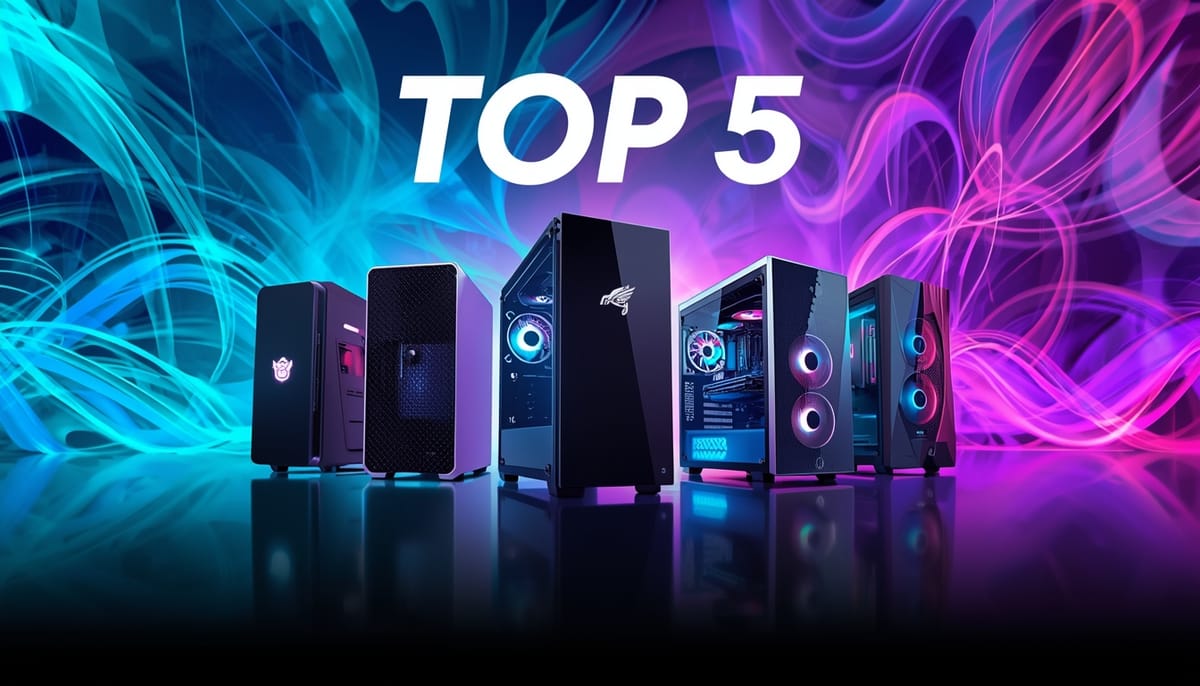
So if your goal is Fortnite at 120FPS (without spending silly money), these are the 5 budget-friendly Amazon prebuilt towers I’d shortlist in 2026.
Quick Picks (the “just tell me what to buy” section) ⚡
- Best all-round value: UltraTek Vulkan (Ryzen 5 5600 + RTX 4060)
- Best for high FPS consistency: TitanFusion (i5-13400F + RTX 4060)
- Best cheaper RTX 4060 option: Veno Scorp (i5-12400F + RTX 4060)
- Best AMD alternative: GTR (i5-12400F + RX 7600)
- Best “still good” value build: GFX LEGENDARY (Ryzen 5 5600 + RTX 3060)
Comparison Table (no fluff, no prices)
| PC (Amazon) | Best for | Key specs to look for | Main pro | Watch-out |
|---|
| UltraTek Vulkan (R5 5600 + RTX 4060) | Best overall value | RTX 4060, 16GB RAM, 1TB NVMe | Great 1080p high-FPS headroom | Confirm exact PSU/board on listing |
| TitanFusion (i5-13400F + RTX 4060) | Strong CPU + smooth frames | i5-13400F, RTX 4060, 16GB RAM | CPU helps with late-game dips | Storage sometimes 500GB—check listing |
| Veno Scorp (i5-12400F + RTX 4060) | Budget RTX 4060 | i5-12400F, RTX 4060, 16GB, 1TB | Solid “competitive Fortnite” combo | Confirm Wi-Fi + upgrade options |
| GTR (i5-12400F + RX 7600) | AMD value | RX 7600, i5-12400F, 16GB, 1TB | Great bang-for-buck | Check driver updates + airflow |
| GFX LEGENDARY (R5 5600 + RTX 3060) | Older GPU value | RTX 3060 12GB, R5 5600, 16GB+ | Often strong for Performance Mode | Not as efficient/new as 4060 class |
How we chose these (so you know it’s not random) 🧪
I picked these based on what actually matters for Fortnite high-FPS:
- GPU tier first (Performance Mode loves a decent GPU, but you still need headroom)
- Modern 6-core+ CPU (helps with consistency and busy endgames)
- 16GB RAM minimum (Fortnite + Windows + Discord + browser tabs adds up)
- NVMe SSD (snappier loading and fewer stutters than old HDD setups)
- Upgrade friendliness (standard parts, decent airflow, reasonable PSU)
Test conditions / what “120FPS capable” means here:
Target is 1080p, Fortnite Performance Mode, competitive/low settings. Real FPS varies by map, fights, endgame, drivers, and game updates — so always treat numbers as “typical potential,” not a guarantee.
The 5 best Amazon gaming PCs for 120FPS Fortnite ✅
UltraTek Vulkan Series (Ryzen 5 5600 + RTX 4060) — Best overall value
Who it’s for: You want the easiest “buy once, play smooth” option without overspending.
Why it’s a great pick:
- RTX 4060 class GPU is a sweet spot for high-FPS 1080p
- Ryzen 5 5600 is still a strong gaming CPU
- 16GB RAM + 1TB NVMe is the combo you actually want in 2026
Watch-outs: - Check the listing for PSU wattage/brand and motherboard details
Amazon mention: UltraTek Vulkan Series — Check on Amazon
TitanFusion (i5-13400F + RTX 4060) — Best for stable frames
Who it’s for: You care about that “buttery” feel and fewer dips when things get chaotic.
Why it’s strong:
i5-13400F is a nice step up for CPU-heavy moments
- RTX 4060 keeps 1080p competitive settings smooth
Watch-outs: - Some configs list 500GB SSD — make sure it’s enough (Fortnite + updates + apps)
Amazon mention: TitanFusion i5-13400F RTX 4060 — Check on Amazon
Veno Scorp (i5-12400F + RTX 4060) — Best “budget RTX 4060”
Who it’s for: You want RTX 4060 performance but you’re watching the budget.
Why it’s strong:
- i5-12400F is still a reliable gaming CPU
- RTX 4060 is exactly the type of GPU that makes 120FPS Fortnite realistic
Watch-outs: - Confirm Wi-Fi, port selection, and upgrade access on the listing
Amazon mention: Veno Scorp i5-12400F RTX 4060 — Check on Amazon
GTR (i5-12400F + RX 7600) — Best AMD alternative
Who it’s for: You don’t care about Nvidia branding — you just want performance per pound.
Why it’s strong:
- RX 7600 competes well at 1080p high-FPS
- i5-12400F + 16GB + NVMe hits the “Fortnite-ready” baseline
Watch-outs: - Keep drivers updated and make sure the case airflow is decent
Amazon mention: GTR i5-12400F RX 7600 — Check on Amazon
GFX LEGENDARY (Ryzen 5 5600 + RTX 3060 12GB) — Best older-value pick
Who it’s for: You want strong Performance Mode capability and don’t mind older hardware if the value’s right.
Why it can still work really well:
- RTX 3060 12GB remains capable at 1080p
- Ryzen 5 5600 keeps things snappy for competitive play
Watch-outs: - It’s an older GPU generation (more power draw, less efficient than newer cards)
Amazon mention: GFX LEGENDARY R5 5600 RTX 3060 — Check on Amazon
Don’t skip this: you need a 120Hz monitor to “feel” 120FPS 🖥️
This is the part people forget.
A monitor’s refresh rate (Hz) is basically the maximum number of frames it can show per second. So if you’re gaming at 120FPS but your display is 60Hz, you won’t see the full benefit.
Quick checklist:
- Monitor is 120Hz or higher
- In Windows, set the display to 120Hz/144Hz (not just “plug it in and hope”)
- In Fortnite, set a suitable Frame Rate Limit and disable V-Sync if you’re chasing max responsiveness
I’m not linking monitors here (per your request) — just don’t let a 60Hz screen hold your new PC back.
Settings to hit (and hold) 120FPS in Fortnite
Step 1 — Turn on Performance Mode
Go to Fortnite’s video settings and select Performance as the Rendering Mode, then restart the game.
Step 2 — Set your Frame Rate LimitFortnite lets you pick a frame rate limit in settings. Make sure it’s set to at least 120 (or higher), and apply.
Step 3 — Use “competitive” settings
For the 120FPS target, keep it simple:
- Performance Mode ON
- Lower shadows/effects
- Prioritise stable FPS over pretty visuals
Step 4 — Match Windows refresh rate to your monitor
If your monitor is 120Hz/144Hz but Windows is still set lower, you’re leaving smoothness on the table.
H2: Quick decision box
✅ Buy one of these if…
- You want 120FPS Fortnite at 1080p with Performance Mode
- You have (or will get) a 120Hz+ monitor
- You want a prebuilt you can plug in and play
❌ Skip / rethink if…
- You only have a 60Hz monitor and you’re not upgrading (you won’t “see” 120FPS)
- You want ultra settings at high FPS (different budget tier)
H2: FAQs (People Also Ask) ❓
What PC do I need for 120 FPS on Fortnite?
A modern mid-range GPU (RTX 4060 / RX 7600 class), 16GB RAM, and a decent 6-core CPU is the realistic “budget sweet spot” for 1080p Performance Mode.
FAQ:
Is RTX 4060 enough for 120 FPS Fortnite?
For 1080p with Performance Mode and competitive settings, it’s one of the most sensible picks — just remember Fortnite updates can change performance over time.
Do I need a 120Hz monitor to see 120 FPS?
Yes. A 120Hz+ monitor is what lets you actually see up to 120 frames per second.
How do I uncap FPS in Fortnite on PC?
Use Fortnite’s Frame Rate Limit setting and apply changes (also disable V-Sync if you’re optimising for responsiveness).
What Fortnite settings give the most FPS?
Performance Mode + lower visual settings (especially shadows/effects) is the usual path for maximum FPS and lower input delay.